How to fix choppy video on your TV: a simple hidden setting
Many TV owners experience stuttering during movies. The issue is often caused by frame rate mismatch, which can be fixed in seconds.
 💡Tech
Photo: UNIAN
Key points
- Frame rate mismatch causes video stuttering
- Match content frame rate feature fixes the issue
- Filmmaker Mode preserves the director's intent
Many smart TV owners often notice unpleasant stuttering or judder while watching movies, frequently blaming slow internet or streaming app glitches. However, experts point out that the issue usually stems from a technical mismatch between the content's frame rate and the TV's refresh settings.
Why motion stutter occurs
Most movies are filmed at 24 frames per second, while modern displays operate at 60 or 120 Hz. To adapt this content, TVs use a "3:2 pulldown" method, which results in uneven frame display. This is particularly noticeable during panoramic shots or horizontal object movement.
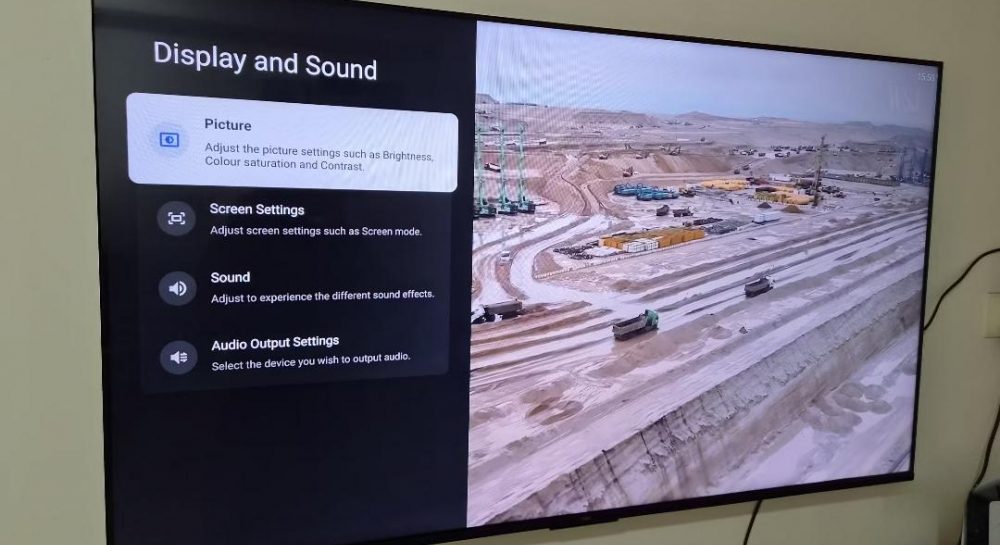
To eliminate this, you simply need to enable the Match content frame rate option in your TV's settings. Once activated, the TV stops artificially adjusting the video and synchronizes its refresh rate with the original content, ensuring smooth playback.
Tips for better picture quality
- Enable Filmmaker Mode to disable aggressive motion smoothing, which often distorts the director's original vision.
- Check your display settings menu to choose between seamless or non-seamless synchronization modes depending on your TV model.
Source UNIAN — unian.ua/techno/gadgets/chomu-smikayetsya-zobrazhennya-na-televizor… ↗
Read next
 💼Economy
Ukrainian economy shrinks for third consecutive month due to impact of hostile strikes
In October 2026, Ukraine's real GDP decreased by 1.7% year-on-year, with transport, energy, and industry suffering the heaviest losses.
 🏛️Politics
Strikes on the Crimean Bridge as a Tool of Diplomatic Pressure: Expert Assessment
Successful SBU operations against strategic Russian assets are significantly weakening the Kremlin's negotiating position on the international stage.
 👥Society
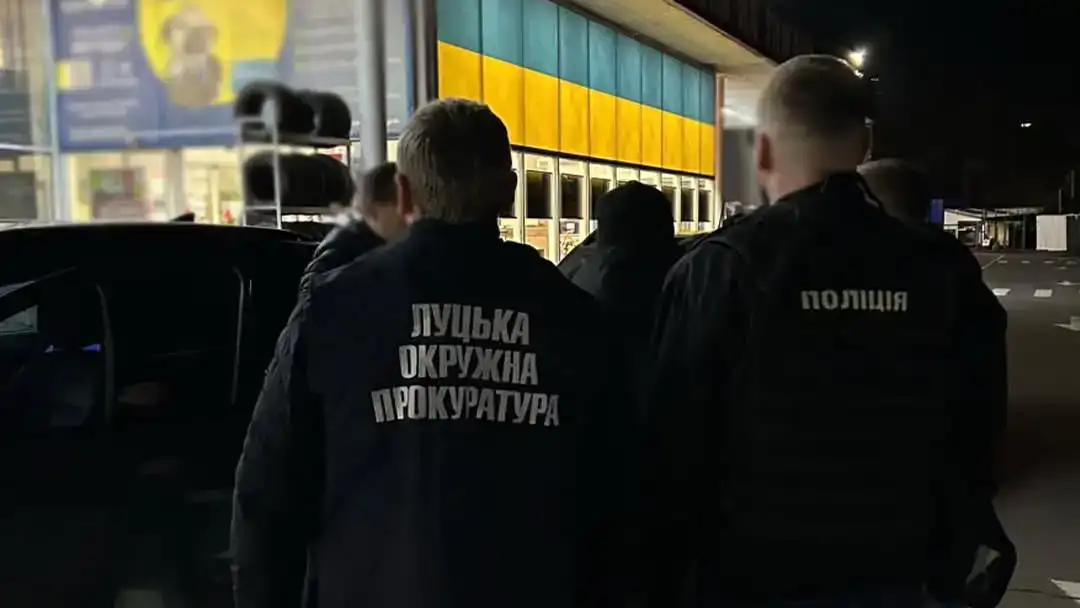
Former Interior Ministry Service Center Employee Detained in Rivne Region for Driving Exam Bribery
A former service center administrator from Volyn region has been detained on suspicion of trading influence over practical driving test results in the Rivne region. She d…
 👥Society
Paris Refutes Reports of Trump Demanding Halt to Ukraine Military Aid
The Elysée Palace has denied claims that Donald Trump urged European leaders to stop military support for Ukraine during a recent phone call.
 👥Society
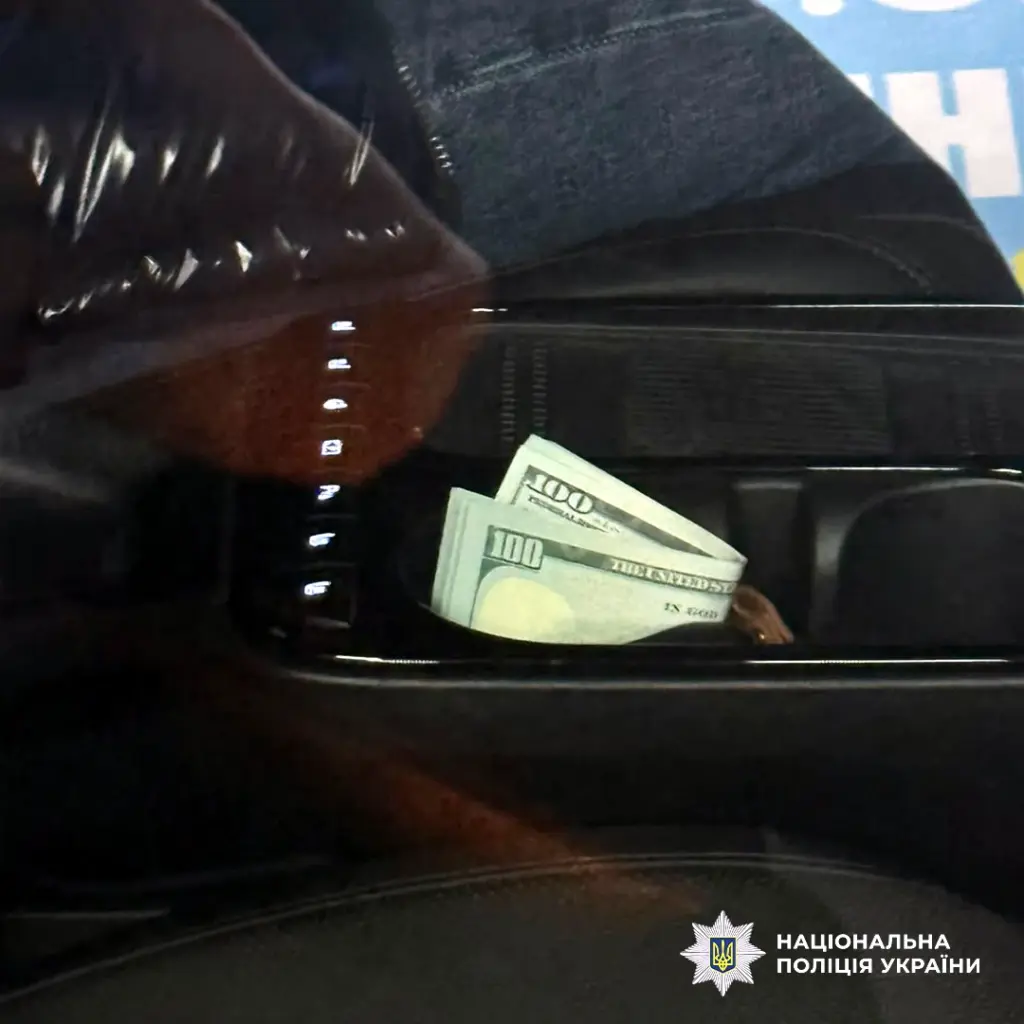
Former Interior Ministry Service Center Employee Detained in Volyn for Driving Exam Bribery
An ex-employee of the Ministry of Internal Affairs service center demanded $400 to guarantee a practical driving exam pass in the Rivne region.
 🏙️City
Ukraine Continues Electricity Exports Despite Shelling and Regional Blackouts, Experts Say
Despite emergency power cuts following attacks on the energy grid, Ukraine continues supplying electricity to Europe, specialists explain.