Water drop icon on Samsung smartphones: what the warning means and how to fix it
Experts explained the cause of the system moisture warning on Samsung gadgets and provided tips on how to safely dry the device.
 💡Tech
Photo: UNIAN
Key points
- Moisture warnings trigger on Galaxy models featuring IP68 standards.
- The system temporarily blocks wired charging to protect electronics.
- Manufacturers advise against using rice due to port clogging risks.
- Issues might resolve by clearing the USB cache or waiting for 24 hours.
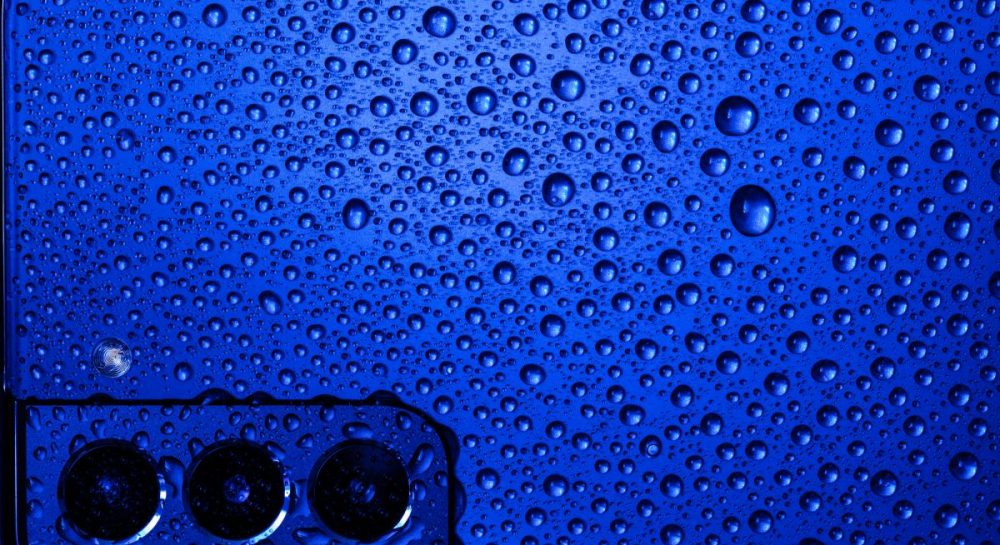
Modern Samsung smartphone users occasionally encounter a specific water drop notification. This warning system activates when built-in sensors detect moisture or elevated humidity inside the housing or directly within the USB-C port. Having an IP68 protection standard does not make devices completely invulnerable to liquids, prompting engineers to design a specialized protective mechanism.
Why charging is blocked and what the owner should do
The primary consequence of this sensor triggering is the temporary blockage of wired charging via the Type-C port. This decision prevents potential short circuits and severe damage to electronic components. At the same time, the manufacturer notes that if the body is dry, owners of compatible models can continue using wireless charging.
To safely remove excess moisture, specialists advise first wiping the gadget with a dry cloth, then gently shaking it 5 to 10 times with the charging port facing down. The manufacturer strongly discourages using the popular method of submerging the phone in rice, as this can clog the port with fine dust and starch. Hot air from a hair dryer should also be avoided, replacing it with a cool stream of air from a fan or simply leaving the device in a well-ventilated area.
If the notification does not disappear after a day, the cause might be a software glitch in the moisture sensor itself. In this case, users may need to clear the USB settings cache or visit a service center, especially if aggressive liquids caused permanent contact damage.
If the error persists due to residual moisture or a sensor glitch after troubleshooting, utilizing a wireless charger serves as a temporary alternative before professional intervention.
Source UNIAN — unian.ua/techno/gadgets/samsung-blokuye-zaryadku-shcho-oznachaye-zn… ↗
Read next
 🧠AI Analysis
Firefighting Operation Underway on Russian Vessel Sparta II in Gulf of Finland Following Drone Strike
The Finnish Coast Guard is extinguishing a fire on the Russian cargo ship Sparta II, which drifted into Finnish territorial waters after being struck by Ukrainian drones.…
 🎭Culture & Sport
American singer Miley Cyrus marries for the second time
Popular pop star Miley Cyrus and musician Max Моrando have officially tied the knot during a private ceremony in California.
 🎓Education
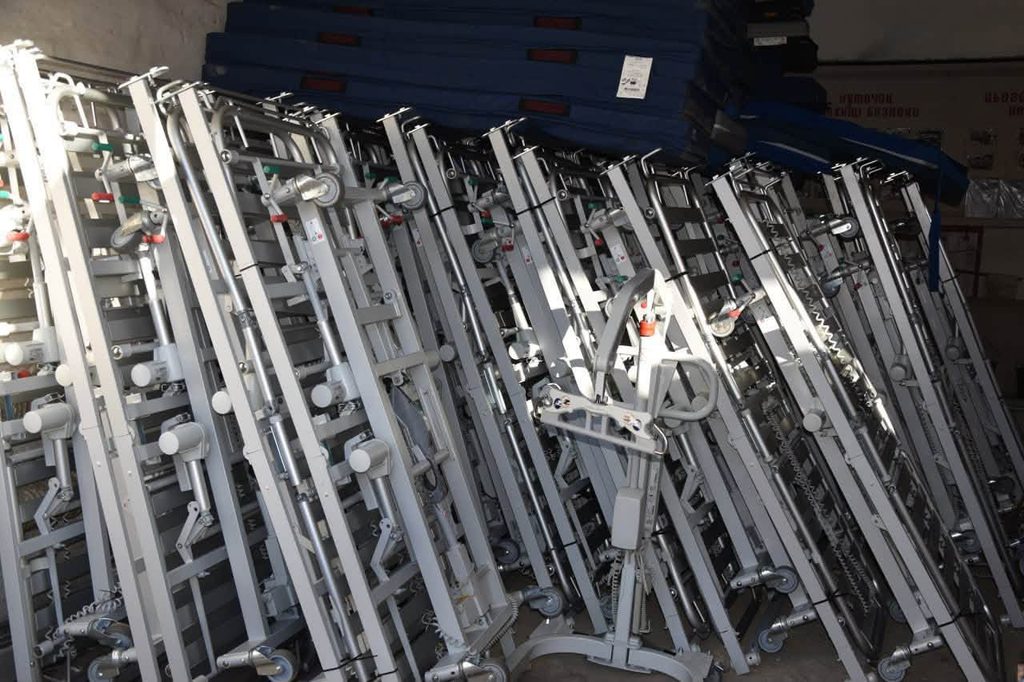
Hoshcha Hospital Receives Beds and Care Equipment from Swedish Donors
The multidisciplinary hospital in Hoshcha received a batch of humanitarian aid from Europe, including specialized beds and rehabilitation equipment.
 🎓Education
Behind the Scenes of European Tours: How Ukrainian Theatres Unite the Diaspora
Producer Serhii Chudaiev shared insights on the challenges of Ukrainian theatre tours in Europe, emotional connections with audiences, and logistical hurdles.
 ⚽Sport
Elina Svitolina and Marta Kostyuk Nominated for Prestigious WTA Season Awards
Prominent Ukrainian tennis players Elina Svitolina and Marta Kostyuk have earned official nominations for the Women's Tennis Association (WTA) annual awards following a h…
 🛡️Security
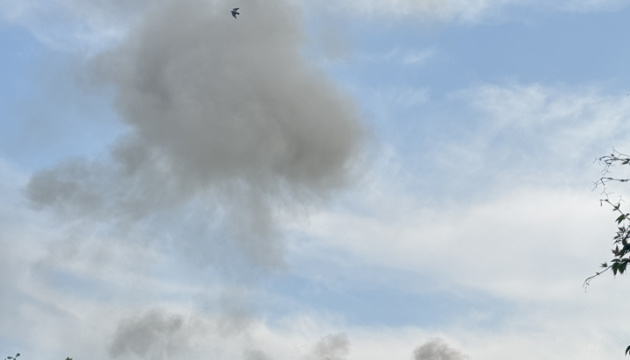
Russian forces strike Zhytomyr region energy infrastructure four times in a day
Over the past 24 hours, Russian occupying forces carried out four drone strikes targeting energy facilities in the Zhytomyr region, attempting to deprive residents of ele…